
Less chasing
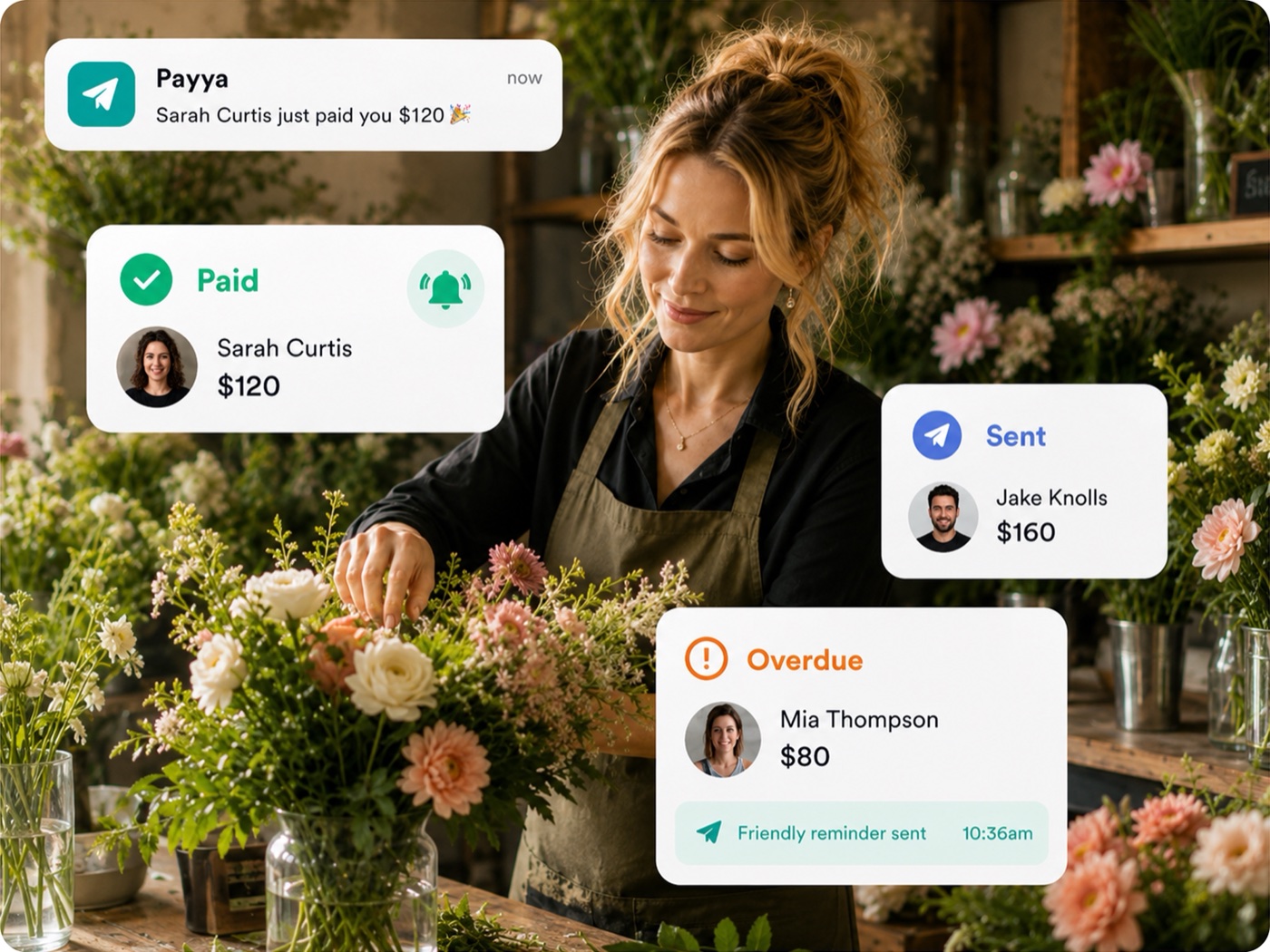
Friendly payment remindersAutomated reminders help you get paid on time without the awkward follow ups.
The simple way for businesses to send payment requests and invoices. Customers pay from their phone. You get paid to your bank.

Built for how Australian businesses get paid
From the job site to the salon chair, Payya helps Australian small businesses send payment requests, invoice with ease and get paid faster.

Nail salons and nail technicians

Builders, plumbers, electricians and more

Freelance and mobile makeup professionals

Clinics, allied health and practitioners

Market stall holders and small vendors

Tattoo artists and piercing studios

Lawn care, gardening and outdoor services

Couriers, delivery drivers and local services

Massage, therapists and wellness professionals
Create and send payment requests in seconds.
They tap, pay and it's done. No sign ups.
Less chasing. More paid jobs. Better cash flow.
Your data is safe. Your business looks professional.
Funds go straight to your business account.
Create payment requests or invoices by voice and send while you drive, deliver or get the job done.
Use voice to create a payment request or invoice. No typing.
Your Payya is sent in seconds. Anywhere, anytime.
Your customer taps, pays and you get paid to your bank.


Payment requests that feel familiar, polished and effortless. Tap, choose how to pay, done.
Your customer gets a beautiful request with all the details upfront.
They can pay with Apple Pay, Link or Klarna in just a few taps.
Payment is confirmed and everyone gets a notification.
Track every Payya in real time and send friendly reminders automatically. Payya takes care of the awkward stuff so you can focus on your business and your customers.
See at a glance who has paid, who hasn’t and what’s overdue.
Friendly automatic reminders so you get paid on time.
No more chasing or awkward follow ups. Payya keeps it professional.
Keep everything organised in Payya, then export detailed payment and invoice records for your accountant or accounting software.
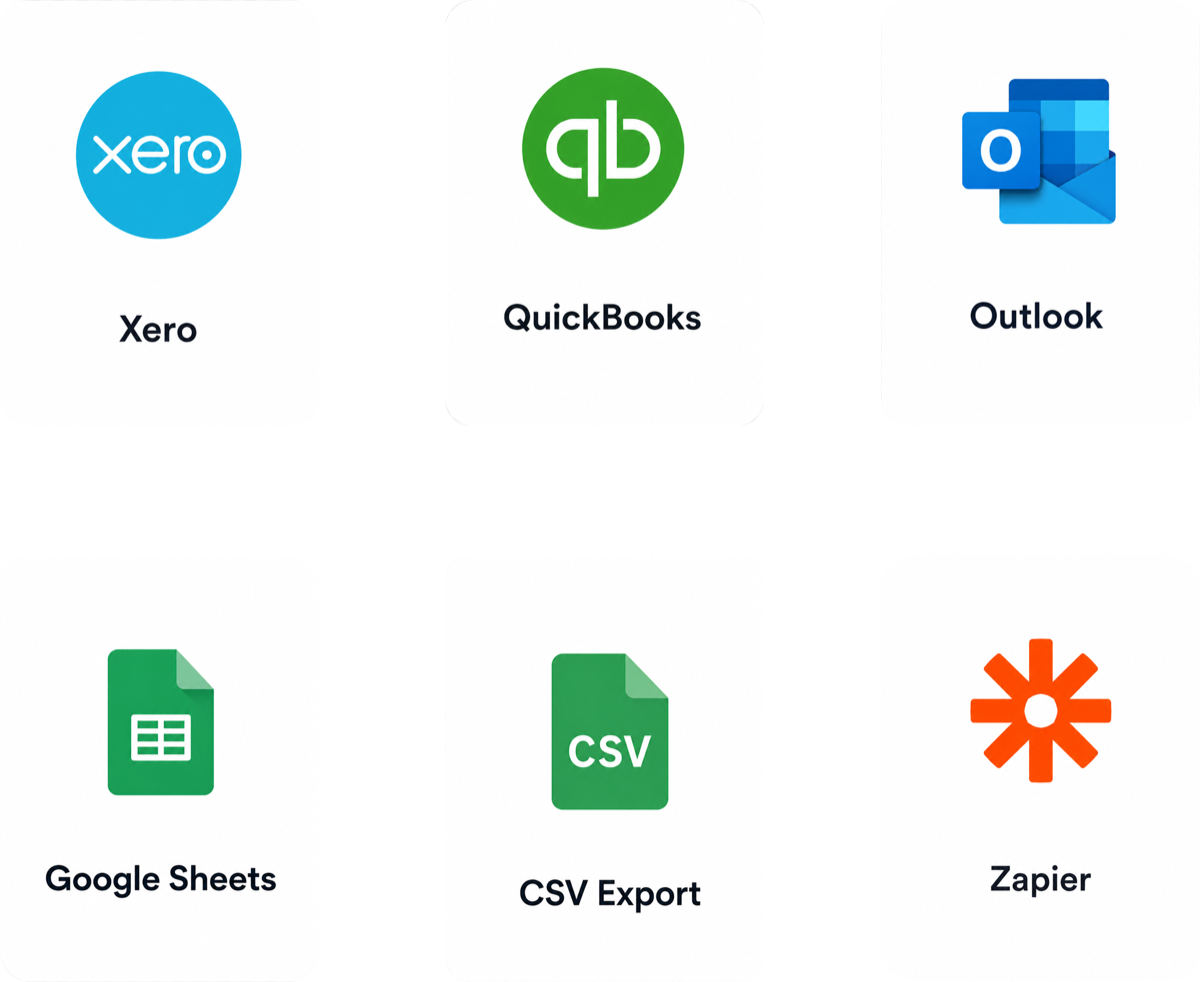
Export your Payya records for use with your preferred accounting workflow.
At Payya, we want to help you grow your business, attract new clients and boost sales. See how Payya can help your business.
Automated reminders help you get paid on time without the awkward follow ups.
Stay on top of every payment with simple, real-time tracking in one place.
Customers can pay in seconds online, on any device.
Funds are transferred securely and directly to your bank account.
Export payment and invoice records for use in your accounting workflow.
Every business works differently. Whether you’re getting started, moving to Payya or need something more specific, we’re here to help.
Get personal help when you need it.
We’ll help bring your existing data across.
Real support from our team when you need a hand.
Have something specific in mind? Let’s talk.
We’ll help you get set up with confidence.
As your business grows, we’re here to support you.
We’re here to help you get paid faster, save time and build stronger cash flow with the right tools and support.
Send invoices, payment requests and reminders in seconds.
Automate follow ups and payment admin so you can focus on running your business.
Track payments clearly and get paid into your account faster.
Keep payment and customer data handled securely through Payya’s payment infrastructure.
A simple, intuitive platform designed for Australian businesses.
Get real support from the Payya team when you need a hand.
Real people, real support, whenever you need it.
Quick answers to common questions.
Payya is a simple way for businesses to request and track payments. Create a payment request or invoice, send it to your customer, and they can pay directly from their phone.
Payya keeps the payment status organised in one place, so you can see what’s been sent, what’s been paid and what still needs attention — without manually chasing every customer.
Payya is designed to keep pricing simple and transparent. Any applicable fees are clearly explained before you get started, and you do not need a complicated enterprise contract to start using Payya.
You don’t need a complicated enterprise contract to start using Payya.
Yes. Payya uses secure payment infrastructure to handle customer payments and protect sensitive payment information.
Customers pay through a secure payment experience, so businesses don’t need to manually collect or store their customers’ card details.
Once a customer completes a payment, the payment status is updated in Payya so you can see that they’ve paid.
Funds are then transferred to your connected bank account according to your payout schedule. Exact timing can vary depending on your account and banking conditions.
No. Your customers can receive a Payya and complete their payment from their phone without downloading the Payya app.
The goal is to make paying as easy for your customer as sending the request was for you.
Payya keeps your payment and invoice records organised so you can export your data for use in your existing accounting workflow.
We’re continuing to expand the tools and workflows Payya supports. Where a direct integration isn’t yet available, you can still export your records for use with tools such as spreadsheets and accounting software.
Our team is here for you. Whether you’re getting started, have a question about your account, or need a hand using Payya for your business, you can contact us directly and speak with a real person.
Can’t find what you’re looking for? Contact us
Start getting paid faster and spend less time chasing payments.
Get started now